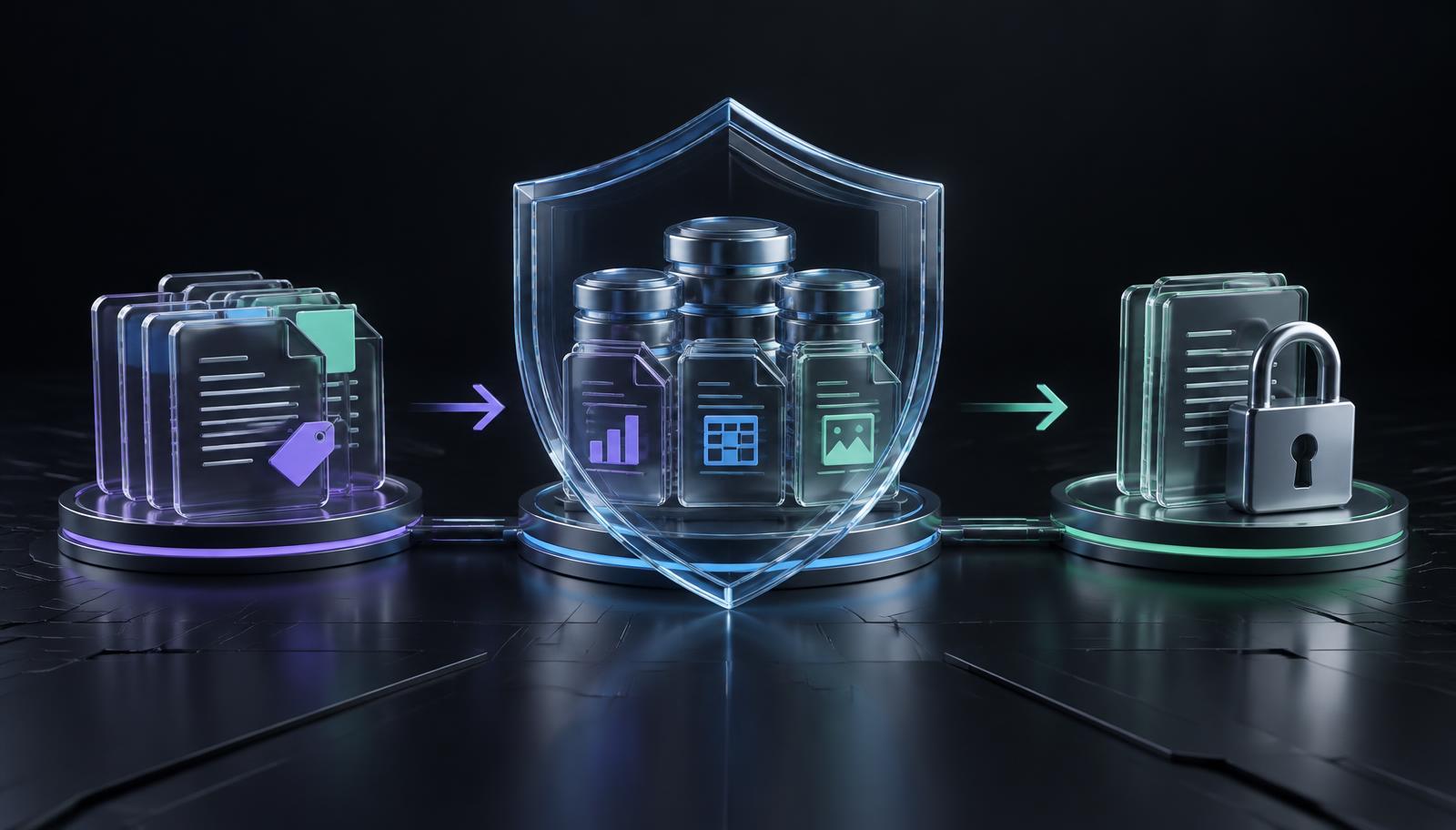
Unexpected system failures, cyber attacks, natural disasters, and human error can all disrupt business operations. Without a disaster recovery plan in place, organisations risk extended downtime, data loss, and financial impact. This leads many leaders to ask: can you help us create a disaster recovery plan?
The answer is yes. By combining data automation, backup strategies, system monitoring, and structured recovery processes, businesses can build resilient disaster recovery frameworks that protect operations and ensure continuity.
In this guide, we explain how disaster recovery planning works, its business benefits, and how organisations can implement scalable recovery strategies.
What Is a Disaster Recovery Plan?
A disaster recovery plan (DRP) is a documented strategy that defines how an organisation restores IT systems, data, and operations after a disruption.
It typically covers:
- Data recovery processes
- System restoration procedures
- Backup strategies
- Communication plans
- Roles and responsibilities
- Recovery time objectives
- Business continuity alignment
A strong plan ensures rapid recovery.
Why Disaster Recovery Planning Matters
System downtime is expensive and disruptive.
Without recovery planning, businesses face:
- Extended service outages
- Permanent data loss
- Customer dissatisfaction
- Revenue loss
- Compliance risks
- Reputational damage
Disaster recovery planning reduces operational risk.
How Disaster Recovery Planning Works
Effective disaster recovery strategies rely on automation and structured processes.
- Risk Assessment and Impact Analysis
Planning starts with identifying risks.
This includes:
- System dependencies
- Critical business applications
- Data sensitivity classification
- Operational impact analysis
Risk assessment defines recovery priorities.
- Backup and Data Protection Strategy
Automated backups are the foundation of recovery.
This includes:
- Scheduled automated backups
- Offsite and cloud replication
- Immutable backup storage
- Retention policies
- Restore testing
Reliable backups prevent data loss.
- Recovery Objectives Definition
Recovery planning defines performance targets.
These include:
- Recovery Time Objective (RTO)
- Recovery Point Objective (RPO)
These metrics define acceptable downtime and data loss.
- Infrastructure and Failover Design
Systems must be designed for resilience.
This includes:
- Redundant infrastructure
- Cloud failover environments
- High availability architectures
- Disaster recovery sites
Failover reduces downtime.
- Automation and Orchestration
Automation accelerates recovery.
This includes:
- Automated system restoration
- Scripted recovery workflows
- Infrastructure provisioning
- Configuration management
Automation reduces manual effort.
- Testing and Simulation
Plans must be tested regularly.
This includes:
- Disaster recovery drills
- Failover simulations
- Backup restoration testing
- Tabletop exercises
Testing ensures readiness.
How Data Automation Strengthens Disaster Recovery
Data automation improves recovery reliability.
Automation enables:
- Continuous backup monitoring
- Automated replication
- Health checks
- Alerting and reporting
- Compliance documentation
Automation reduces recovery errors.
Business Benefits of Disaster Recovery Planning
Strong disaster recovery frameworks deliver value.
- Reduced Downtime
Faster recovery minimises operational impact.
- Improved Business Resilience
Operations continue during disruptions.
- Compliance Support
Many regulations require recovery planning.
- Customer Trust
Reliable service improves confidence.
- Cost Control
Prepared recovery reduces emergency costs.
Common Disaster Recovery Use Cases
Businesses implement disaster recovery across many scenarios.
Popular use cases include:
- Cloud workload protection
- On-premise system recovery
- Database disaster recovery
- Remote workforce continuity
- Cyber incident response
These use cases improve stability.
Challenges to Consider
Disaster recovery planning requires coordination.
Common challenges include:
- Legacy infrastructure
- Testing complexity
- Cost management
- Skill availability
- Cross-team alignment
Structured planning reduces risk.
Best Practices for Disaster Recovery Success
Successful organisations follow proven practices.
These include:
- Automating backups and recovery
- Defining clear RTO and RPO targets
- Testing recovery plans regularly
- Maintaining documentation
- Training staff
- Reviewing plans annually
Best practices improve preparedness.
How Long Does It Take to Implement a Disaster Recovery Plan?
Timelines vary by environment.
Basic disaster recovery plans can be created within weeks.
Enterprise-scale recovery frameworks may take several months.
Phased implementation accelerates readiness.
Measuring Disaster Recovery Effectiveness
Businesses should track recovery performance metrics.
Examples include:
- Recovery time performance
- Backup success rates
- Restore success rates
- System uptime
- Incident response speed
Measurement ensures continuous improvement.
Future Trends in Disaster Recovery
Disaster recovery continues to evolve.
Future developments include:
- Automated self-healing systems
- AI-driven recovery orchestration
- Cloud-native disaster recovery
- Continuous backup platforms
- Predictive outage detection
Innovation will further strengthen resilience.
Final Thoughts
Yes, businesses can successfully create disaster recovery plans that protect operations and data. By combining structured planning with data automation, backup systems, and recovery orchestration, organisations can minimise downtime and ensure business continuity.
Disaster recovery is not optional, it is a critical foundation for protecting your organisation from unexpected disruption.
Keep reading